PowerPoint to PDF Missing Speaker Notes? How to Export Notes Pages

Speaker notes missing from a PowerPoint PDF? Learn how to export Notes Pages, choose the correct layout, troubleshoot missing notes, and verify the PDF.

 MD MINHAJUL ISLAM RIMAN
Speaker notes missing from a PowerPoint PDF? Learn how to export Notes Pages, choose the correct layout, troubleshoot missing notes, and verify the PDF.
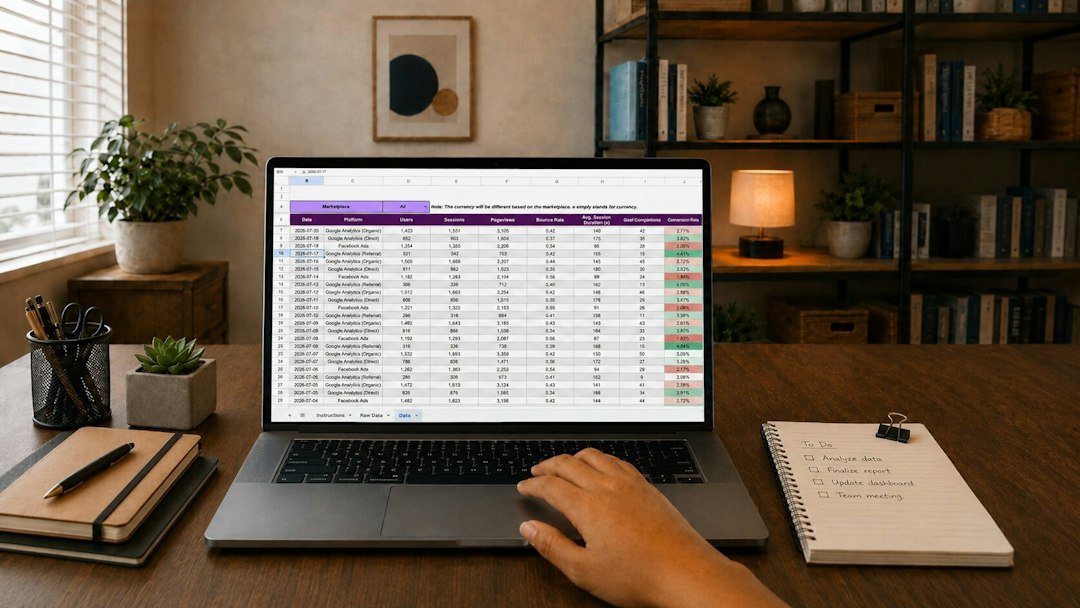
Excel to PDF missing worksheets? Learn how to export the entire workbook, check print areas and hidden sheets, preview every page, and verify the final PDF.
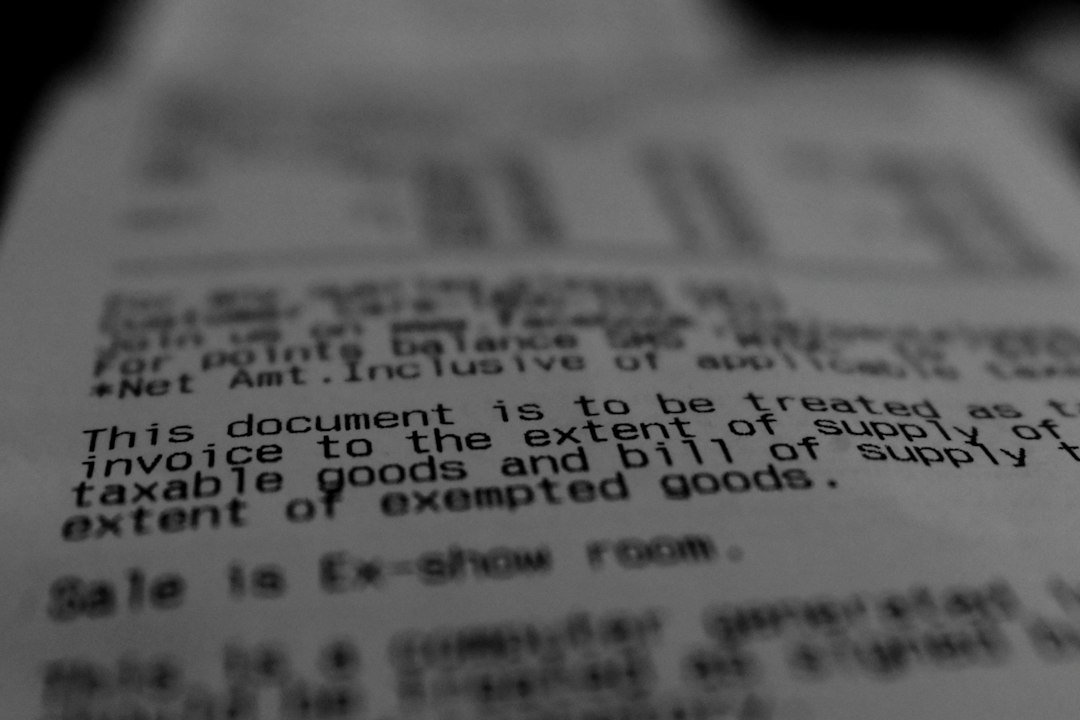
Diagnose and fix scanned PDF text that copies, reflows or reads in the wrong sequence after OCR, especially on multi-column pages.

Troubleshoot font substitution after Word-to-PDF export by checking installed fonts, embedding settings, PDF export options and the final saved file.
Understand Acrobat’s renderable-text OCR error and choose a workflow that preserves your original PDF.

Check print areas, page breaks and export preview before removing unwanted pages from an Excel-generated PDF.

Prepare readable document copies for an IRS notice response, check the official upload instructions and retain your submission confirmation.

Troubleshoot a PDF upload rejection when the file is already small enough: check the exact error, selected file and destination requirements.

Images missing after Word to PDF conversion? Learn how to diagnose linked or broken pictures, export correctly, troubleshoot blank images, and verify the final PDF.
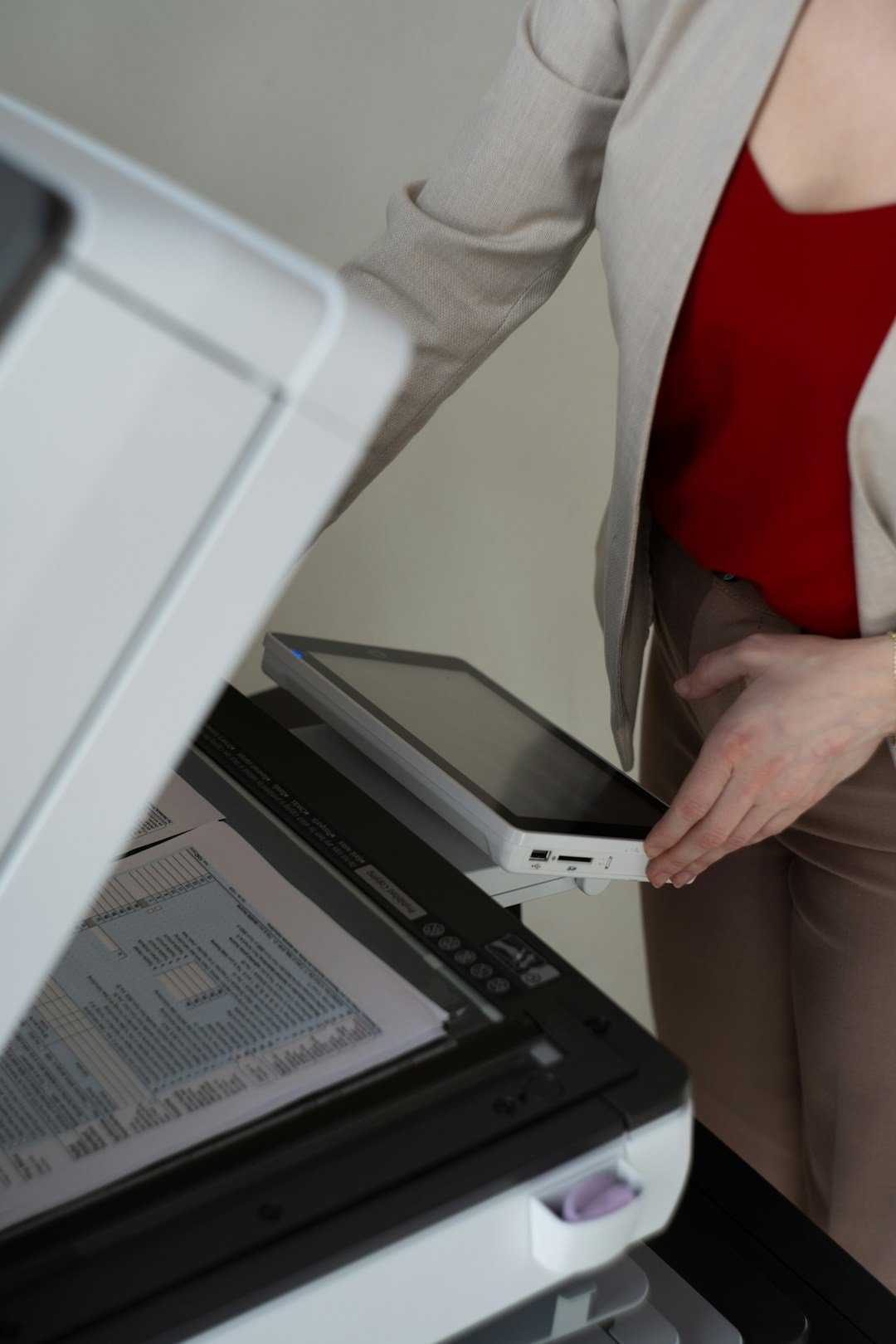
PDF comments not printing? Learn how to include annotations and markups, print comment summaries, troubleshoot missing notes, and verify the final output.